Four screens,
one button.
The app is deliberately short on menus. Home owns the OpenVPN tunnel and your exit IP; a bottom sheet owns the server list; speed and settings sit one tap away in the navigation bar.
Captured from a running build.
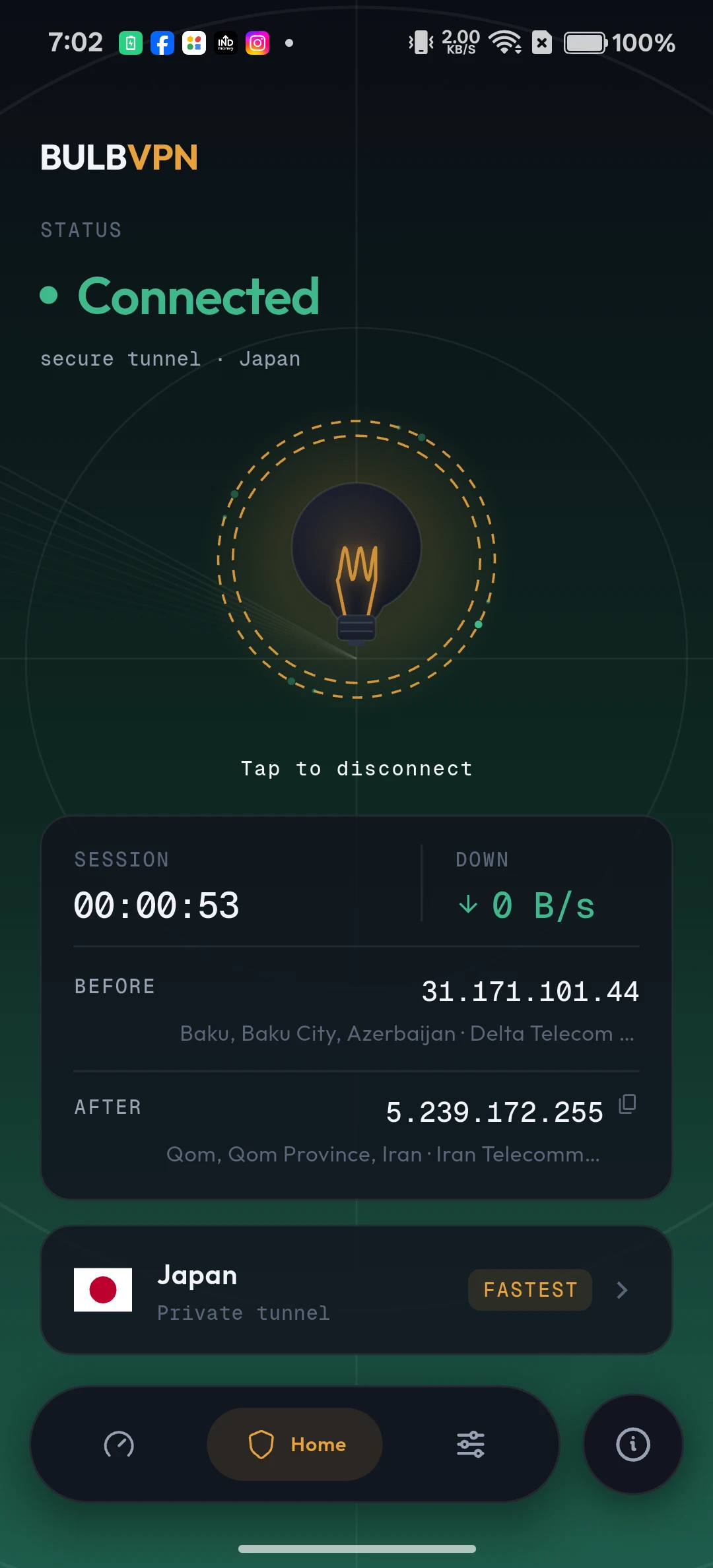
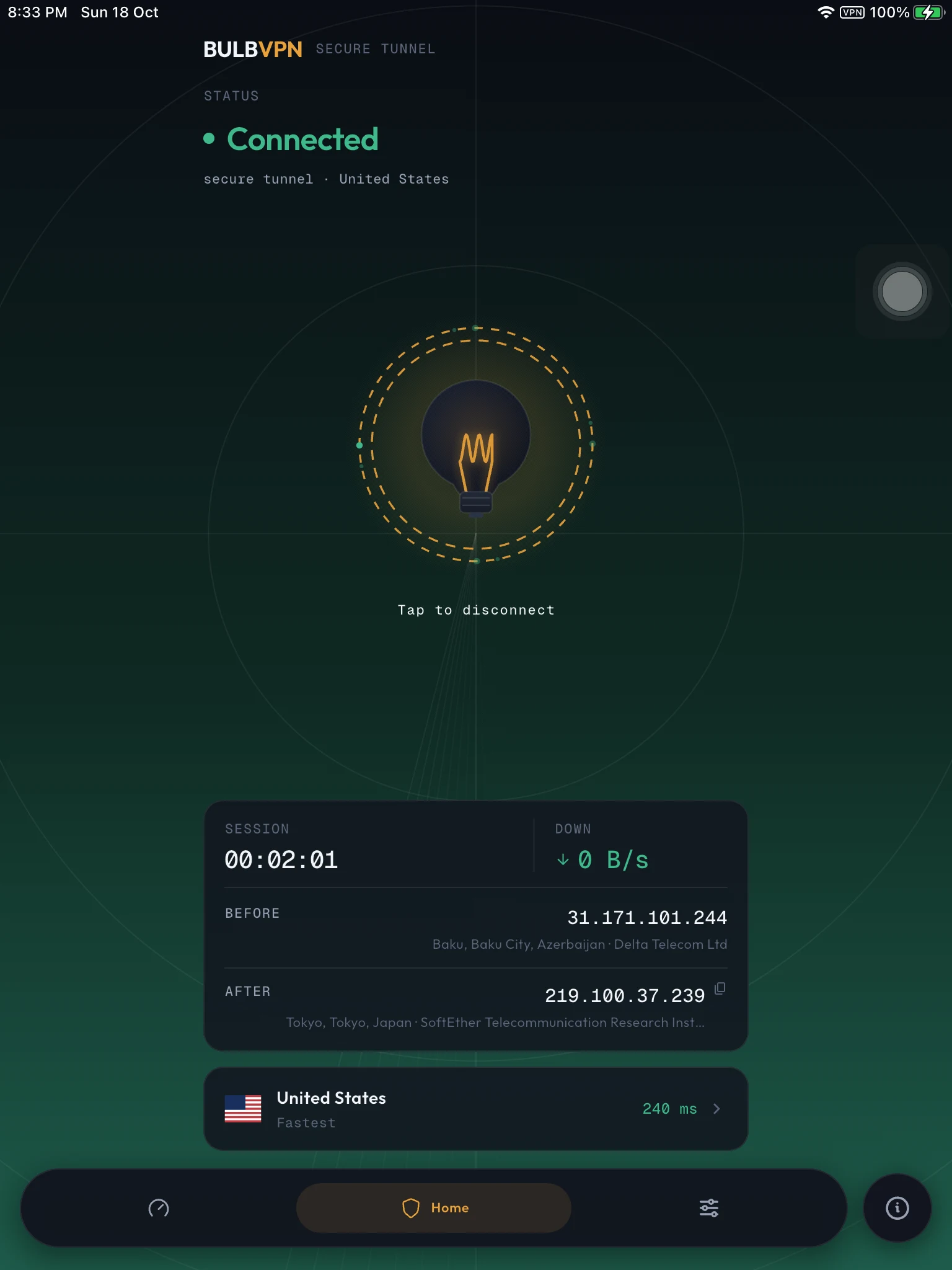
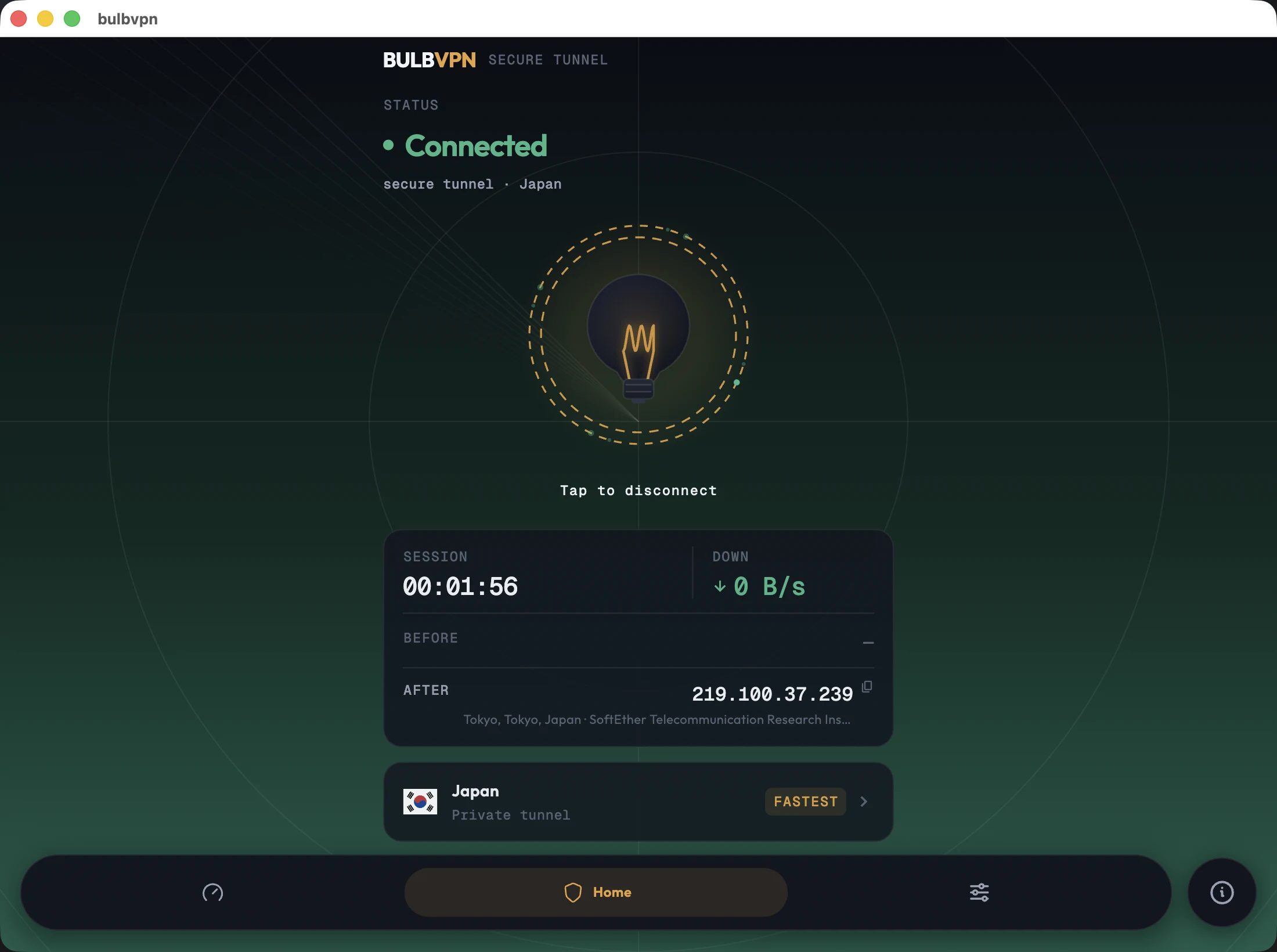
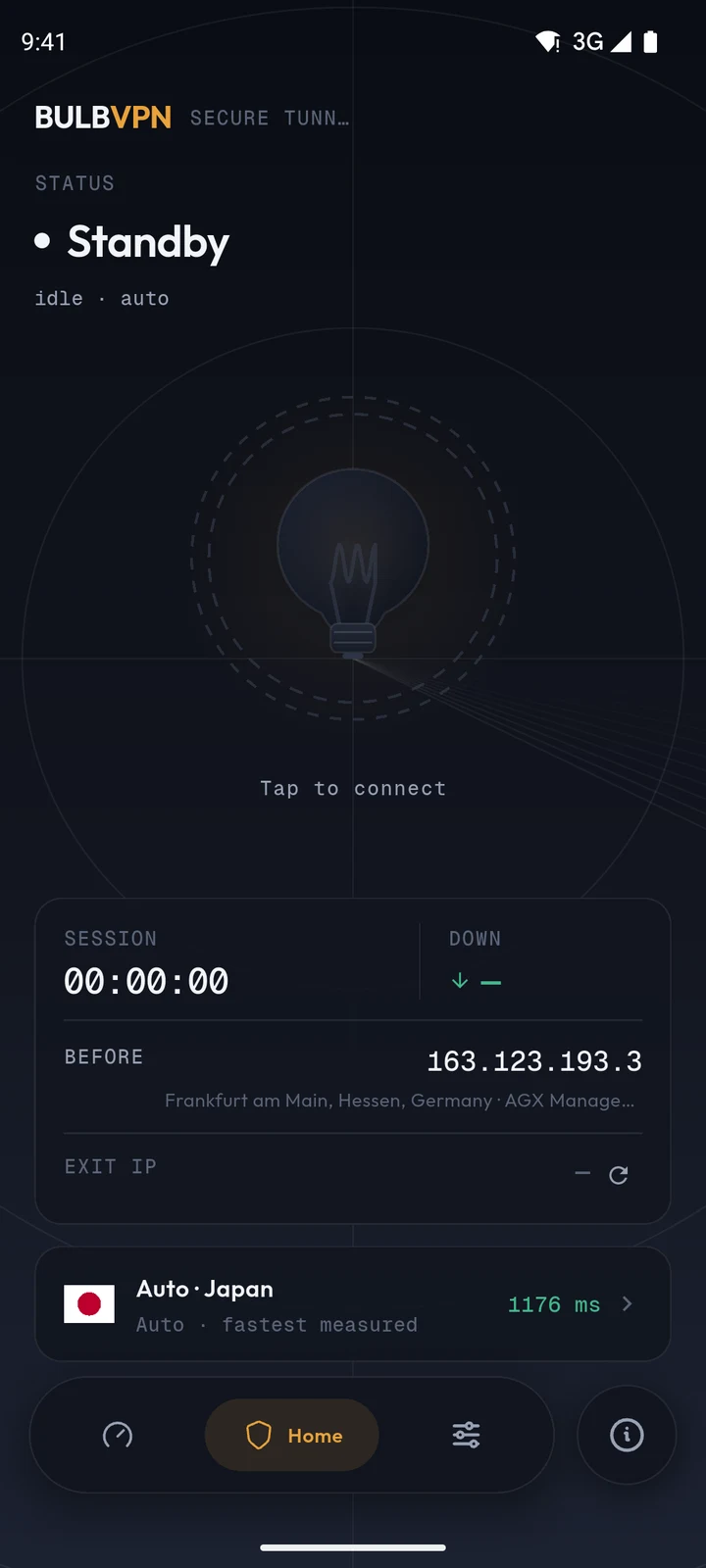
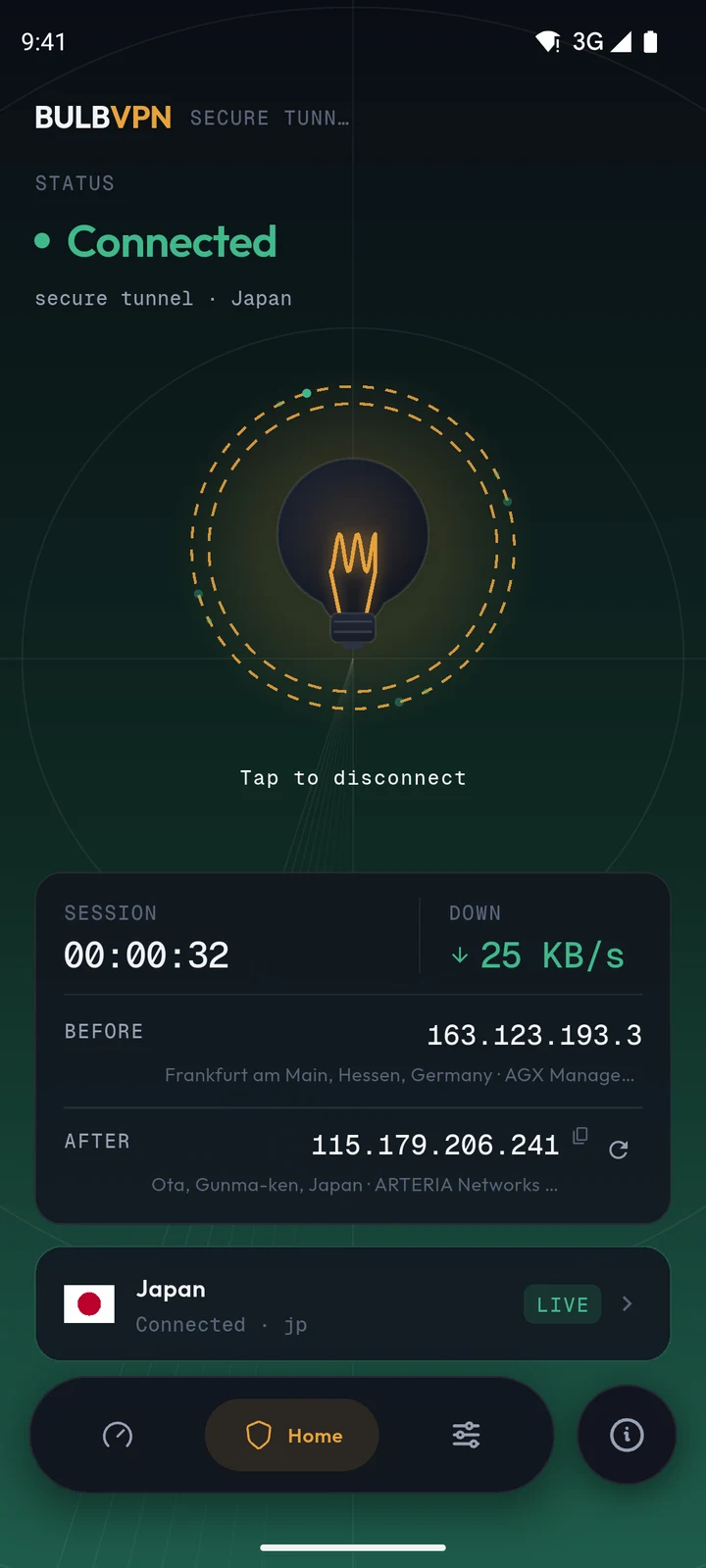
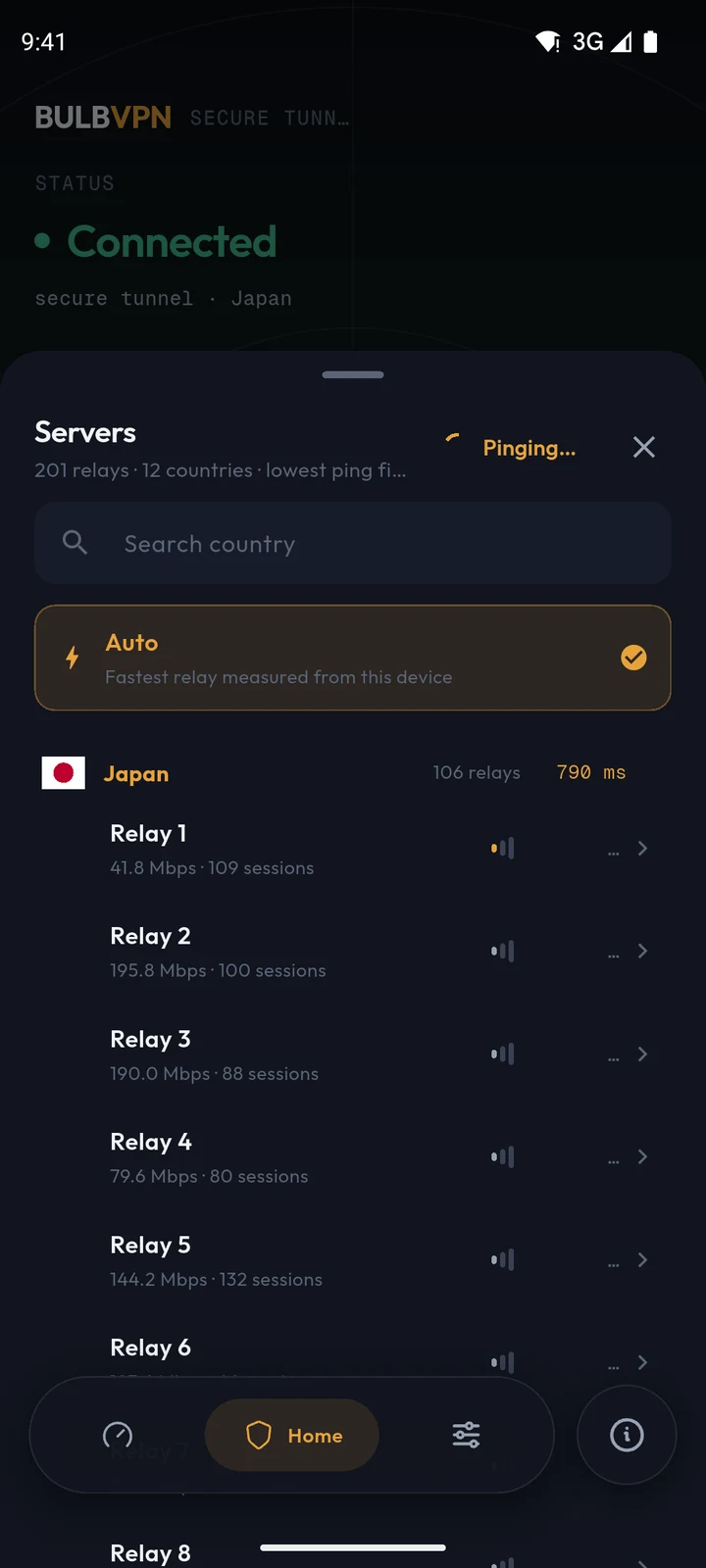
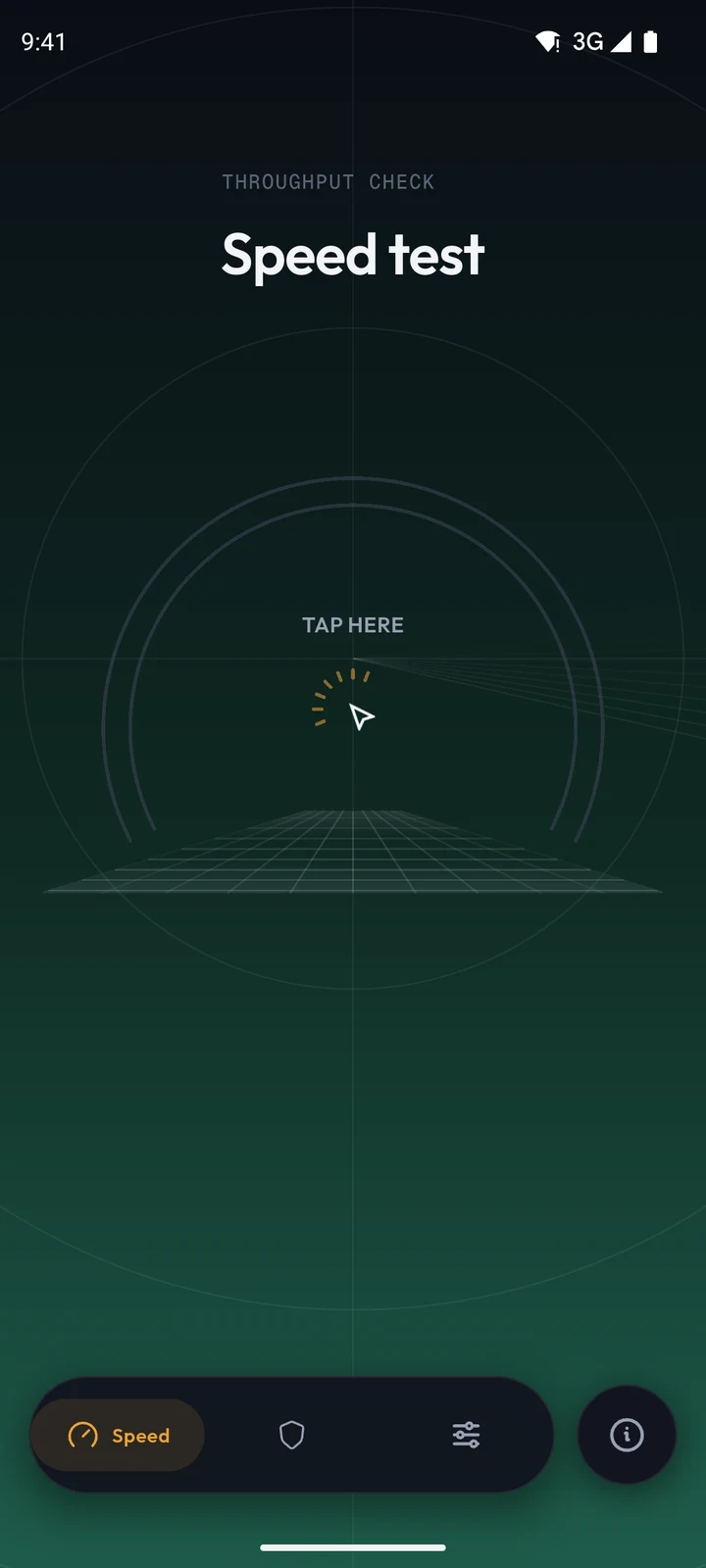
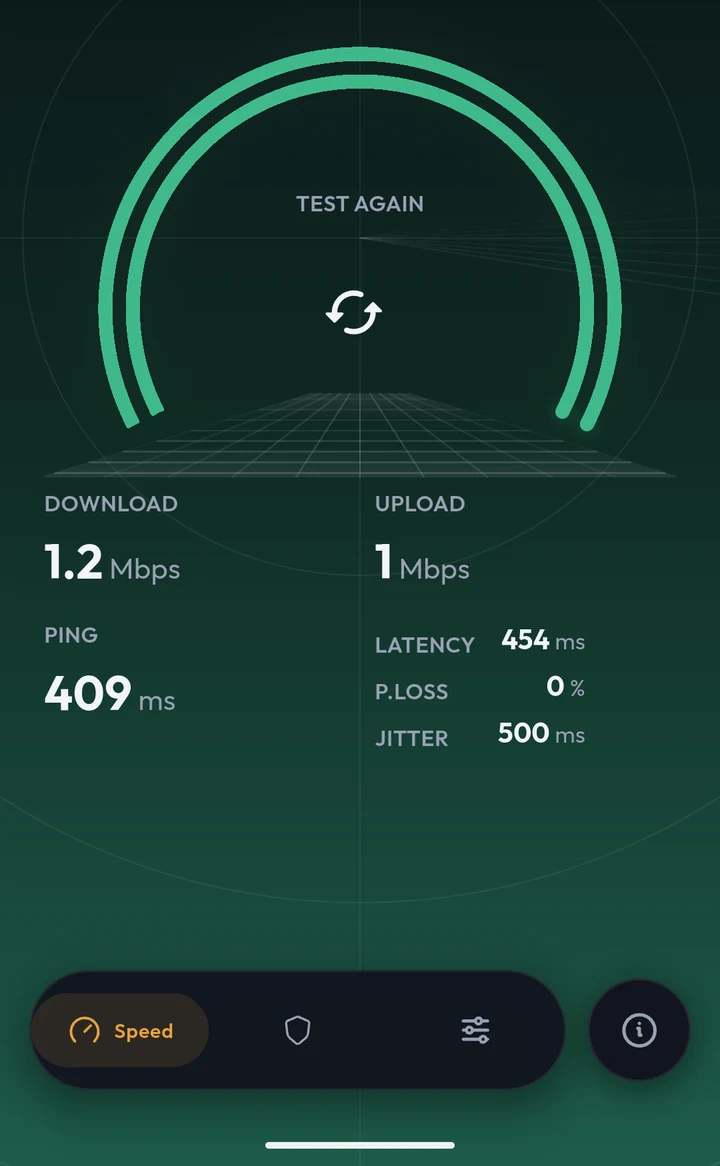
The first row is this morning’s connected home screen on each attached device. The frames under that are the rest of the app: standby, servers, speed, and settings.
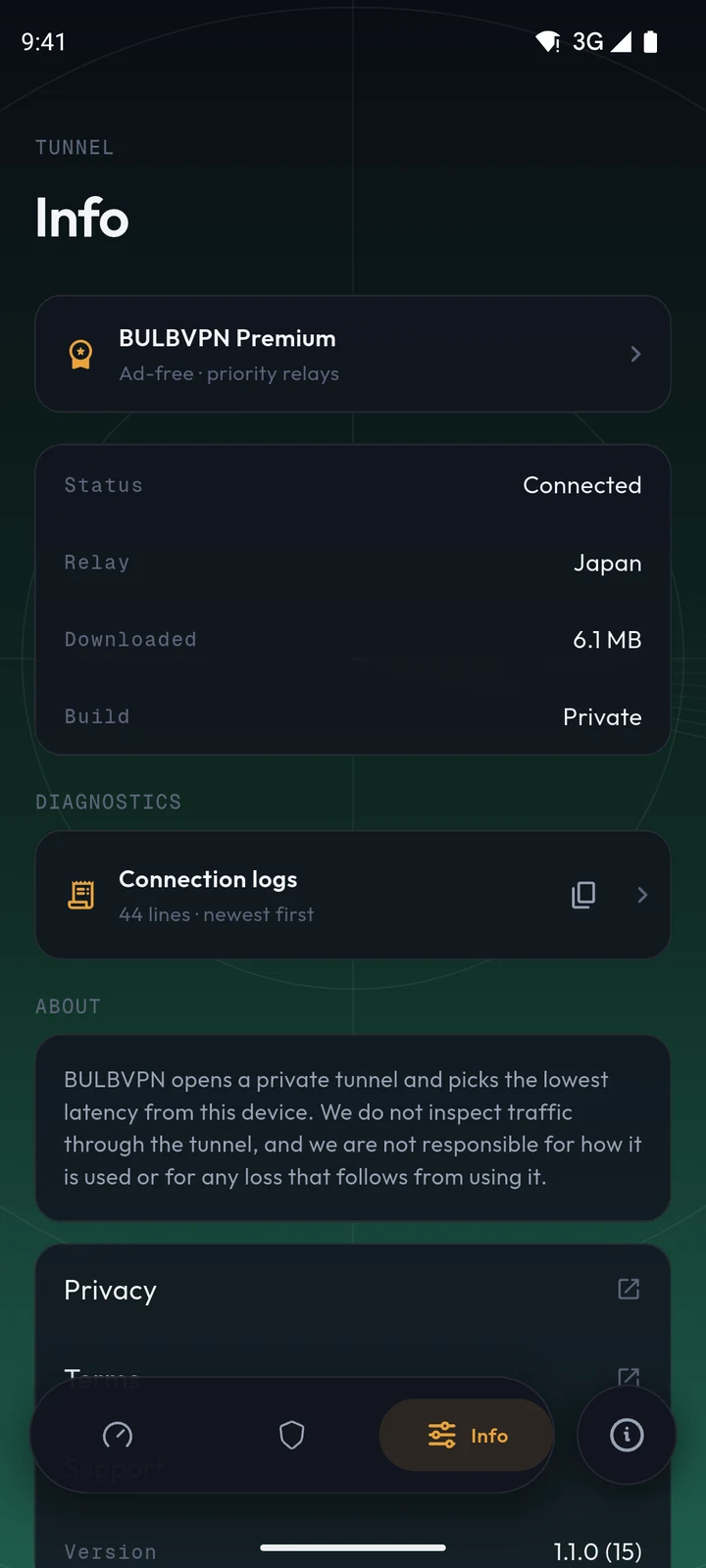
What each screen actually does.
A feature list you can verify against the screenshots above — and, if you want the implementation, against the source.
One control for the whole tunnel
Tap to connect, tap to disconnect. Around it: live connection state with staged statuses, the selected server pill, and — once the tunnel is up — the exit IP block with a copy action that confirms itself with a toast.
Proof, not a padlock
Country flag, public address, one tap to copy. A failed lookup leaves the slot empty rather than guessing.
The endpoint list
Flags, host names, countries and latency for every live community node — refreshed from the public mirror each time you open it.
Eight real measurements
Latency packets, staged download and upload passes against Cloudflare — reported as ping, jitter, packet loss, and throughput.
Instability is reported
If the connection degrades mid-test, the app says so instead of publishing an optimistic number.
Logs stay out of the release app
The Play and TestFlight builds do not show handshake traces or catalog URLs. A debug build can still keep a local log for development. Those lines are not uploaded.
Live community servers.
The list below is fetched live from the same public mirror the app uses — 96 nodes at last check, sorted by latency. Endpoints are run by the VPN Gate community; see the privacy policy for what that means for your traffic.
Free to start.
No account required. The free tier keeps the full relay list with one banner ad; Premium ($2.99/month or $19.99/year) removes the ad and prioritizes the fastest relays. Signed builds appear here the moment the app ships on Google Play and the App Store.